
Appointment calendar
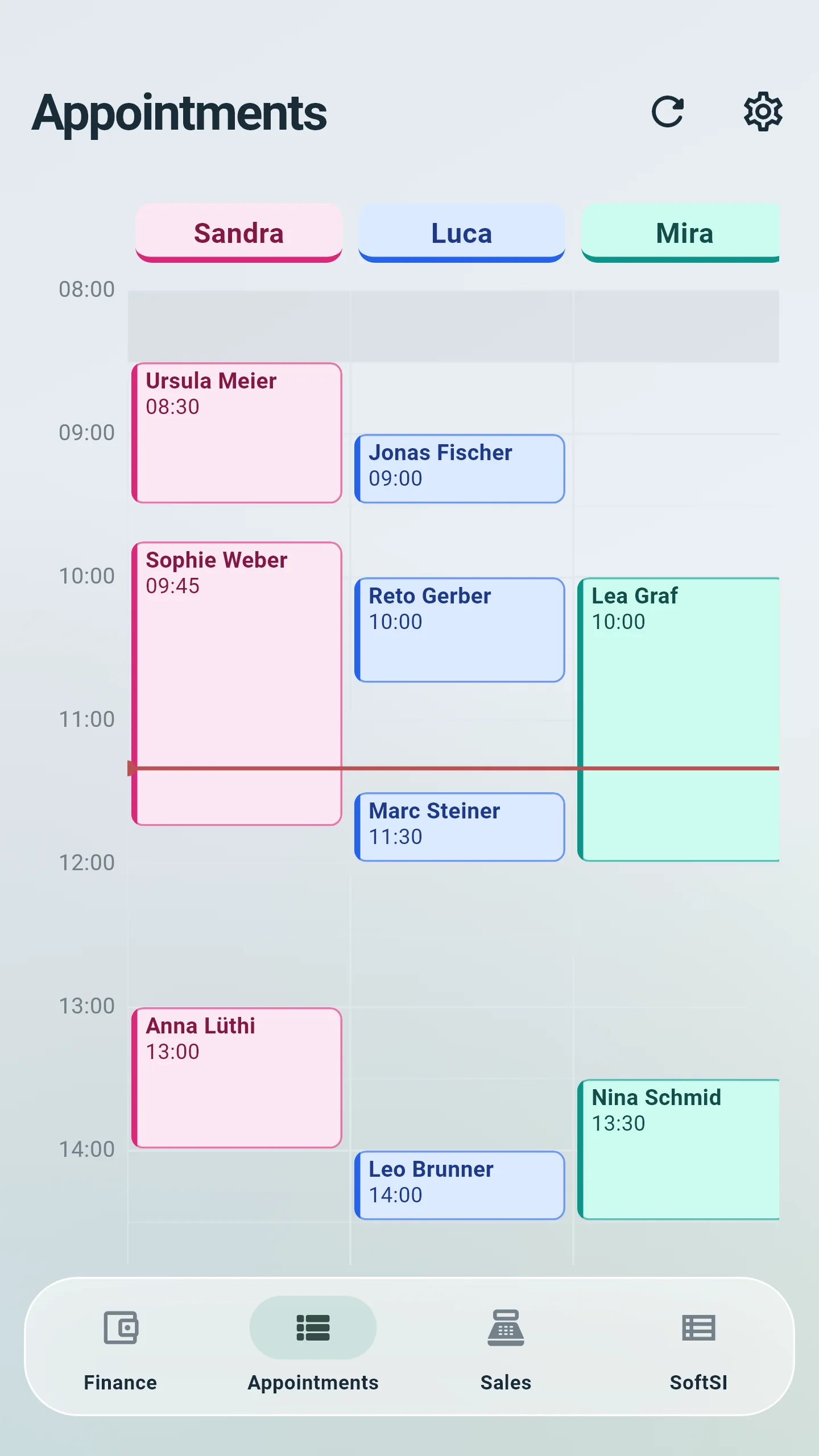
Book, move, complete and cancel appointments, with the customer’s details and notes.
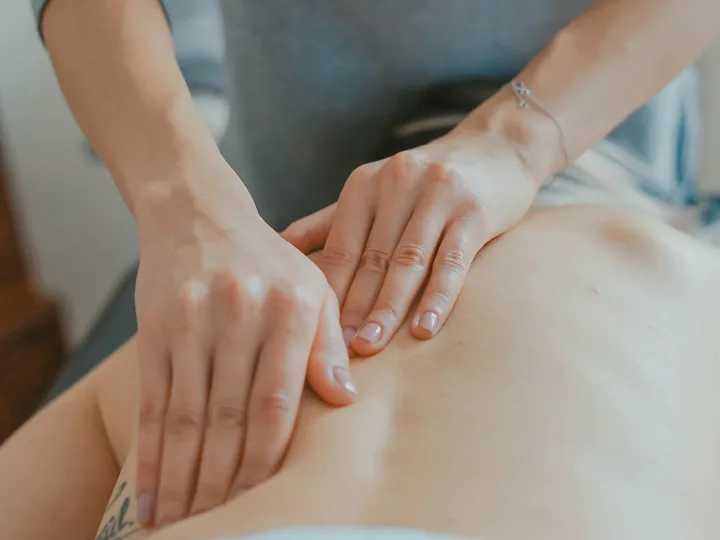
Spa & massage studio
Treatments planned around the therapist and the room, time between guests, reminders before the visit and the day’s service sales at closing.
Your day
Three things that change
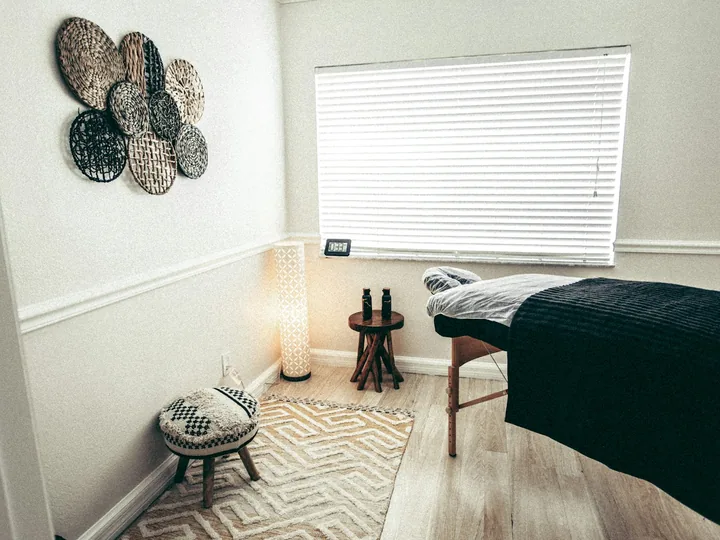
Set the duration of each treatment and book the therapist and the room together, so the room is free and ready when the next guest arrives. With Staff & HR, planned staff costs sit beside the day.
Appointments by branch, staff member and chair or room, without double bookings. Changes and cancellations with a message to the client, and with Staff & HR the staff records and planned costs alongside.
The front desk and the owner see the same day: who is booked, who is free, what has been sold.
Book, move, complete and cancel appointments, with the customer’s details and notes.
Softphia checks the staff member and the chair or room before it confirms a time.
Ring up products and services, put the customer on the sale and take the payment.
Refund a whole sale, single lines or an amount, always against the original sale.
Open the till, count the drawer by denomination at closing and print the X and Z reports.
Cash flow, collections and supplier payments, with printable reports.
Getting started
A few details about your business and your e-mail address. No card needed.
SoftSI asks a few questions about your business and picks the setup that fits it.
Open SoftPOS on an iPad, an Android tablet or a Windows computer and scan the activation code.
THE RIGHT SETUP
The setup Softphia recommends for your kind of business, what it costs and what you can add.
Recommended
At sign-up, choose the business type “Beauty, nails & spa”.
Appointments and treatments for beauty, nail and spa studios.
CHF 58.00 / month
List price: CHF 72.50−20%
CHF 696.00 / year
List price: CHF 782.40−20%
Launch Partner: 20% off for the first 12 months.
Try it free for 15 days. No card required.
Prices in CHF. No VAT is charged.
Available add-ons: Inventory · Staff & HR · Analytics · Reconciliation
BEFORE YOU START
Softphia checks the therapist and the room before it confirms a time, so two guests never land in the same slot.
With the Staff & HR module, under Staff costs: planned personnel costs, time off and pay adjustments.
Yes. Give each person a role; what the role does not allow stays hidden, at the till as in the panel.
Sign up on the website, confirm your e-mail address and choose your kind of business. Softphia proposes a setup; you can change it. The first 15 days are free, no card needed.
The pricing page lists the modules Softphia recommends for your kind of business and the add-ons you can choose. After sign-up, the panel shows your modules and the included capacity under Settings › Subscription.
Open your workspace, pick your kind of business and bring your team in. Garage, salon, shop or café: the setup is ready for you.