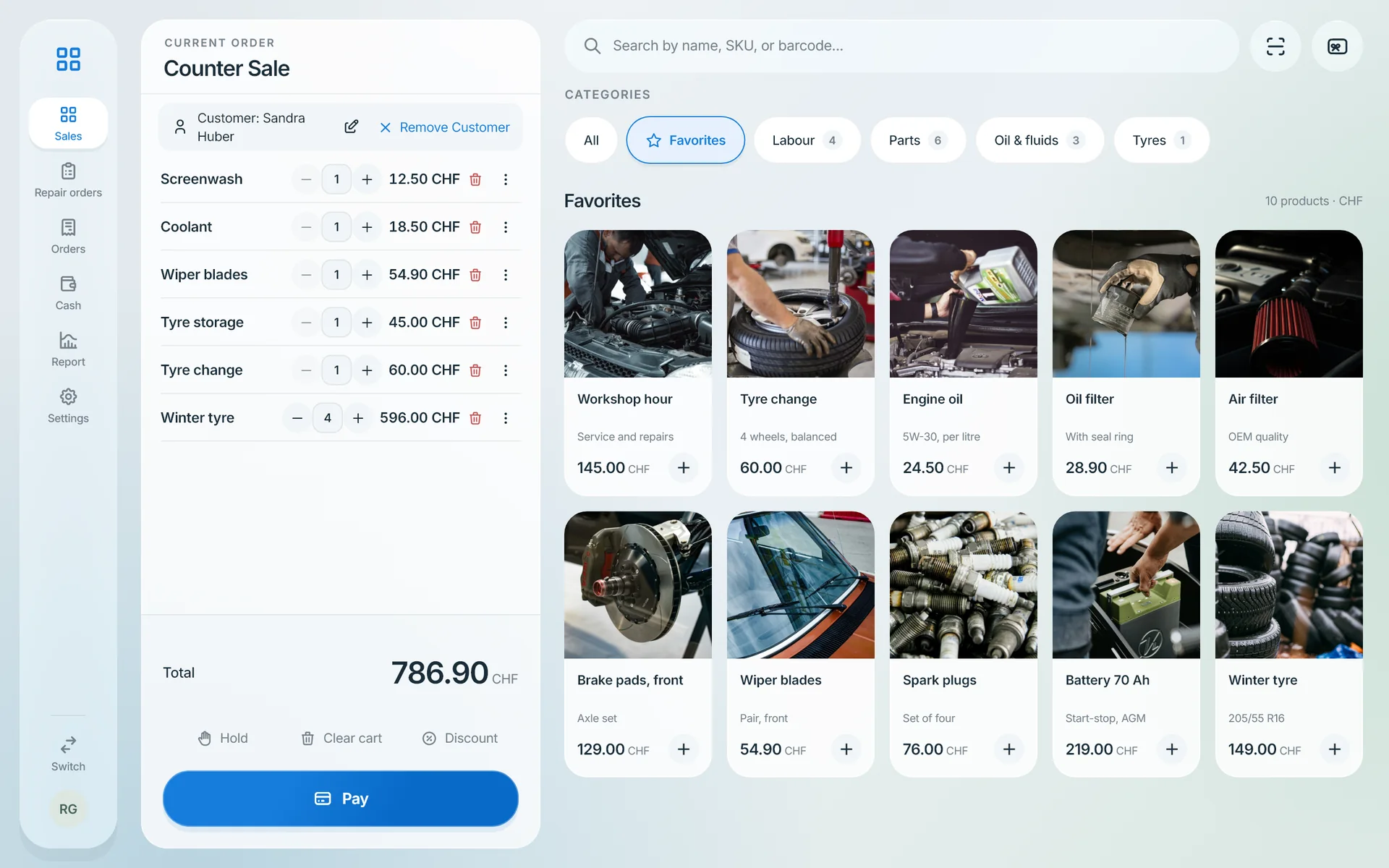
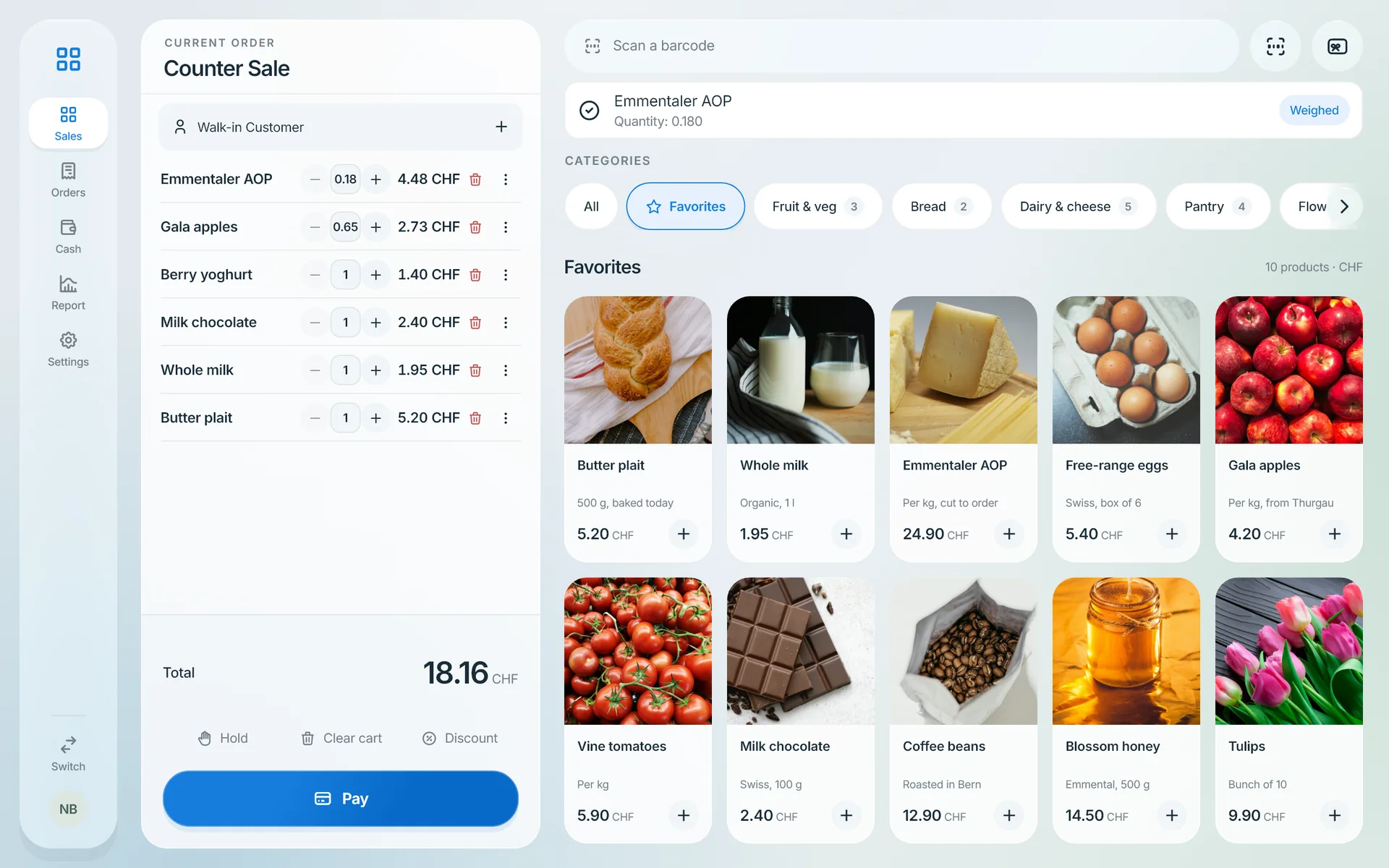
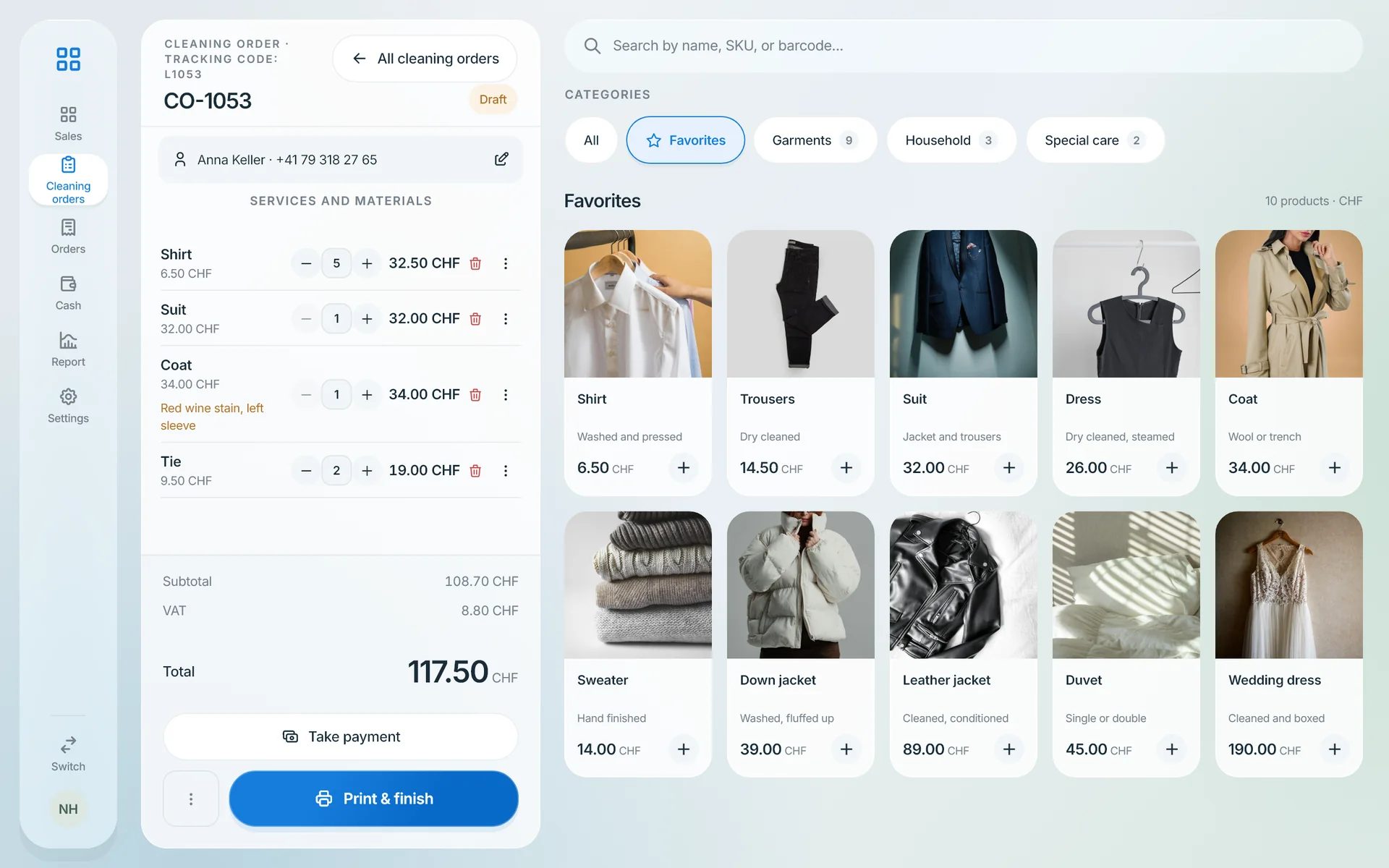
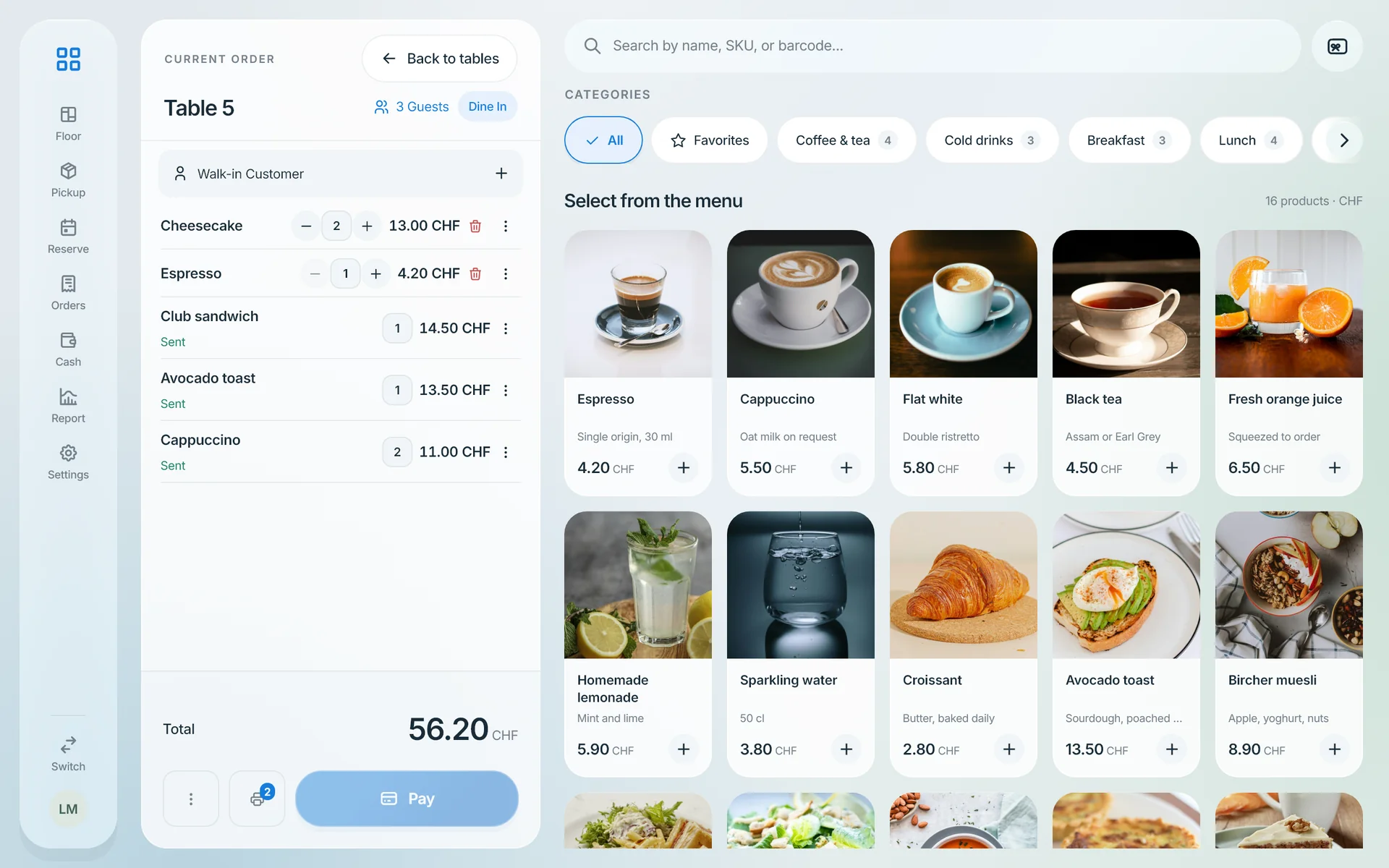
The till connects to one kind of terminal: a SumUp Solo card reader, with the SumUp payments add-on, which needs Point of sale. You connect your SumUp account in the Softphia panel, pair the reader with the code it shows and assign it to a till.
With a connected reader, the till sends the amount to the reader and books the sale once the payment is approved. If a payment cannot be confirmed, the till warns you not to charge the customer again, and a manager reviews the case in the panel.
You can also keep any other card terminal. It is not connected: the payment runs on your terminal, and SoftPOS records the card payment, optionally with the terminal’s transaction reference.
Each till can have its own reader.