
Orders & checkout
Add products and services, assign the customer and record the sale and payment.
Softphia
The sale, payment request and final payment result belong to one workflow. Softphia provides dedicated applications for the counter and kitchen.
Add products and services, assign the customer and record the sale and payment.
Open the register, review its movements and close it with a recorded count.
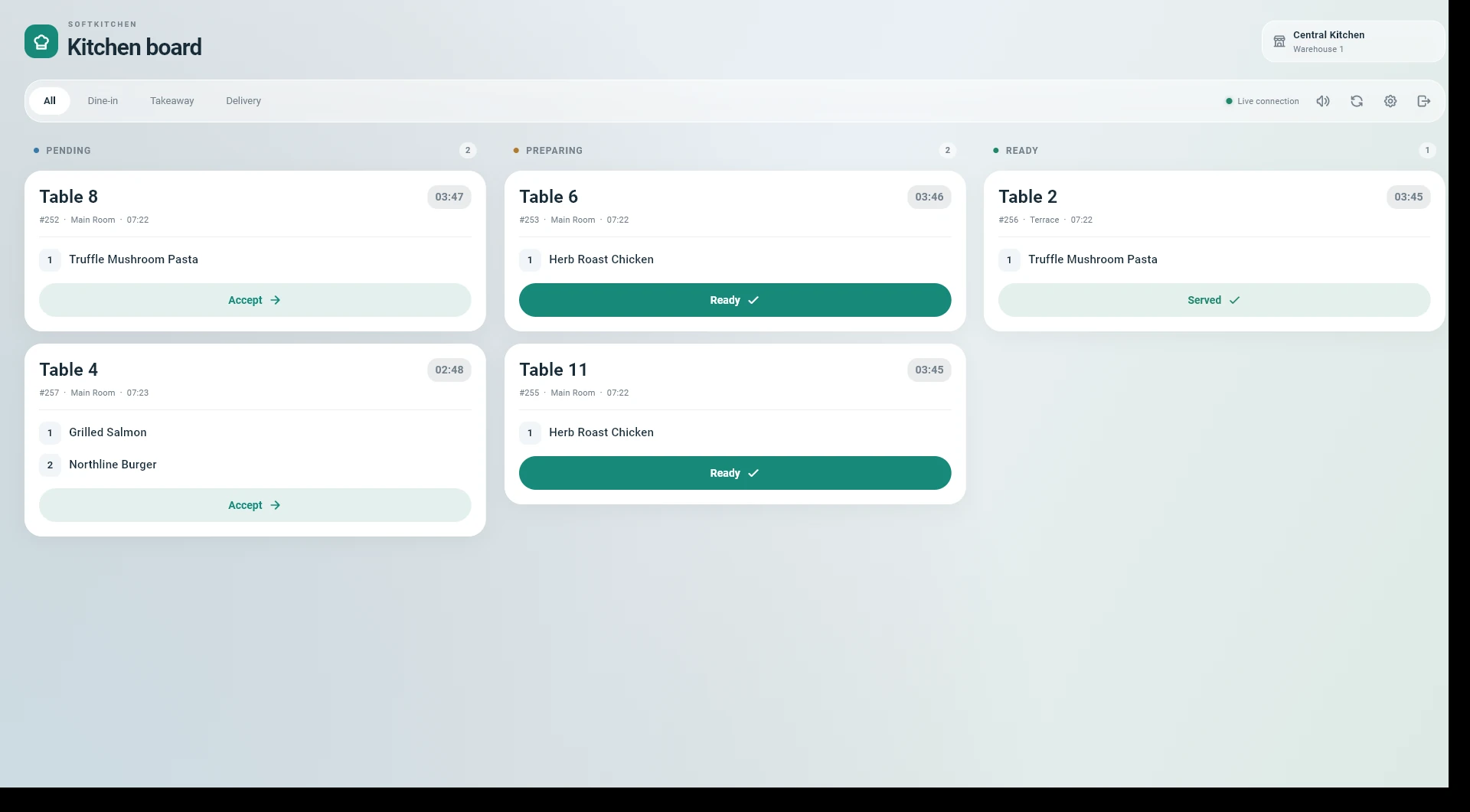
Send ordered items to the kitchen queue and follow preparation on SoftKitchen.
Connect the supported SumUp Solo payment flow to the sale.
The SumUp terminal driver starts and verifies the payment flow, then links its result back to the sale.
SoftKitchen provides a dedicated screen for the kitchen queue. Ordered items move into preparation without a second manual order entry.
The POS records payment results and refunds against business transactions. Cash-register reporting follows the recorded movements.
Configure the printer’s network address and port in SoftPOS, test the connection and send receipts over the local network.
Create your workspace. Choose your business profile, set up your branch and bring your team into Softphia.