
Orders & checkout
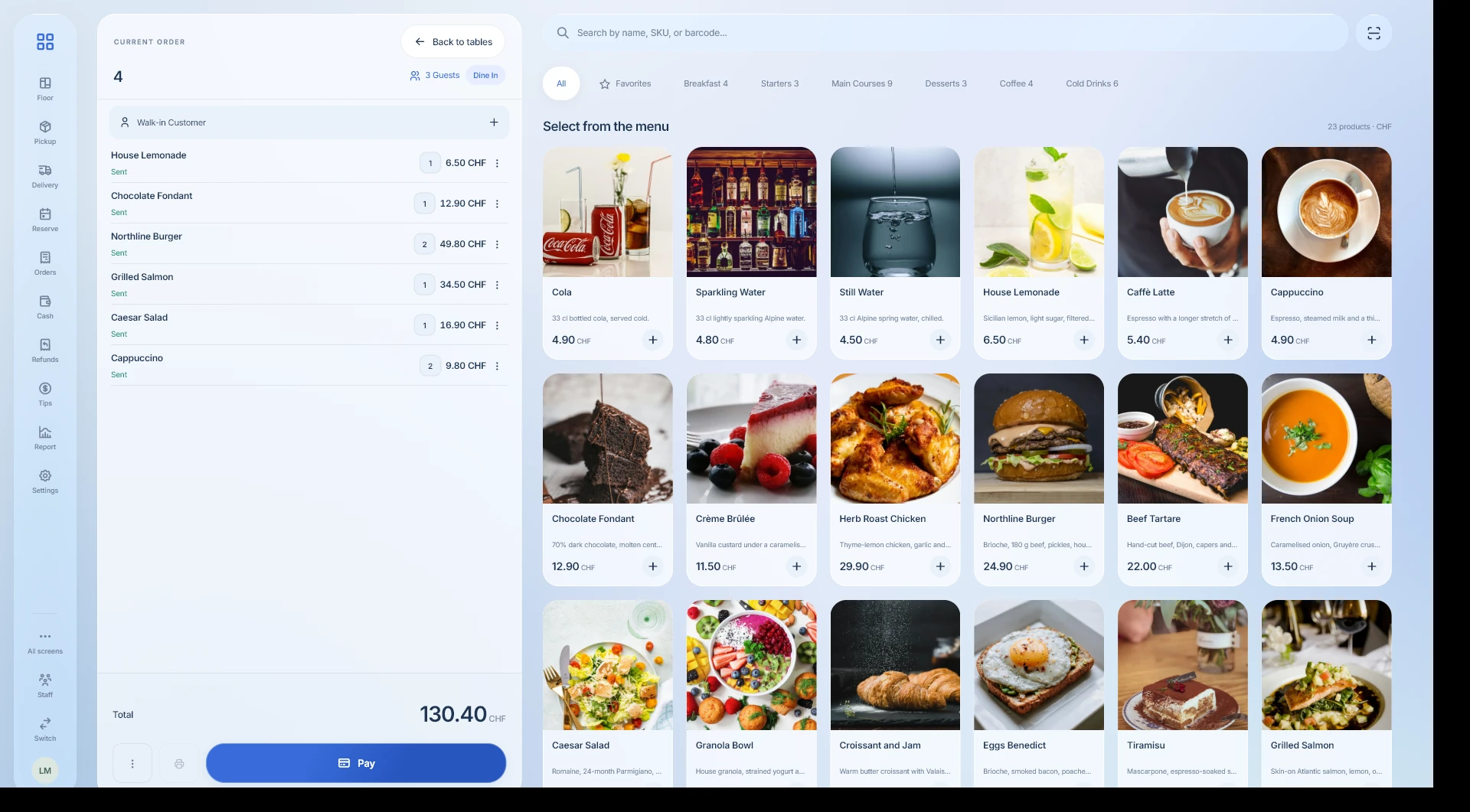
Add products and services, assign the customer and record the sale and payment.
Restaurant
Take table orders, send items to the kitchen and split the bill at payment. Keep the service connected to stock movements and register reports.
THE QUESTIONS THAT MATTER
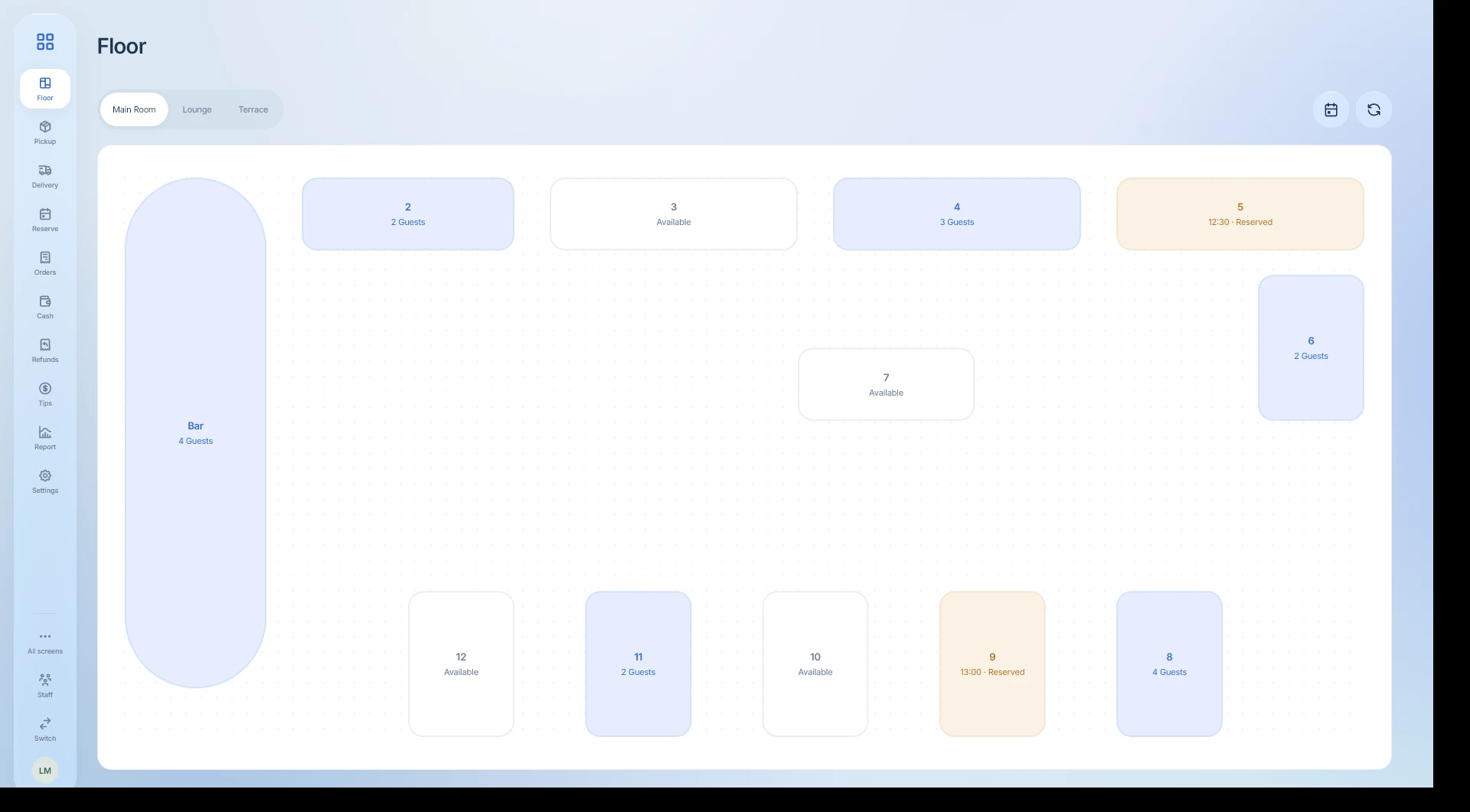
Which table is waiting?
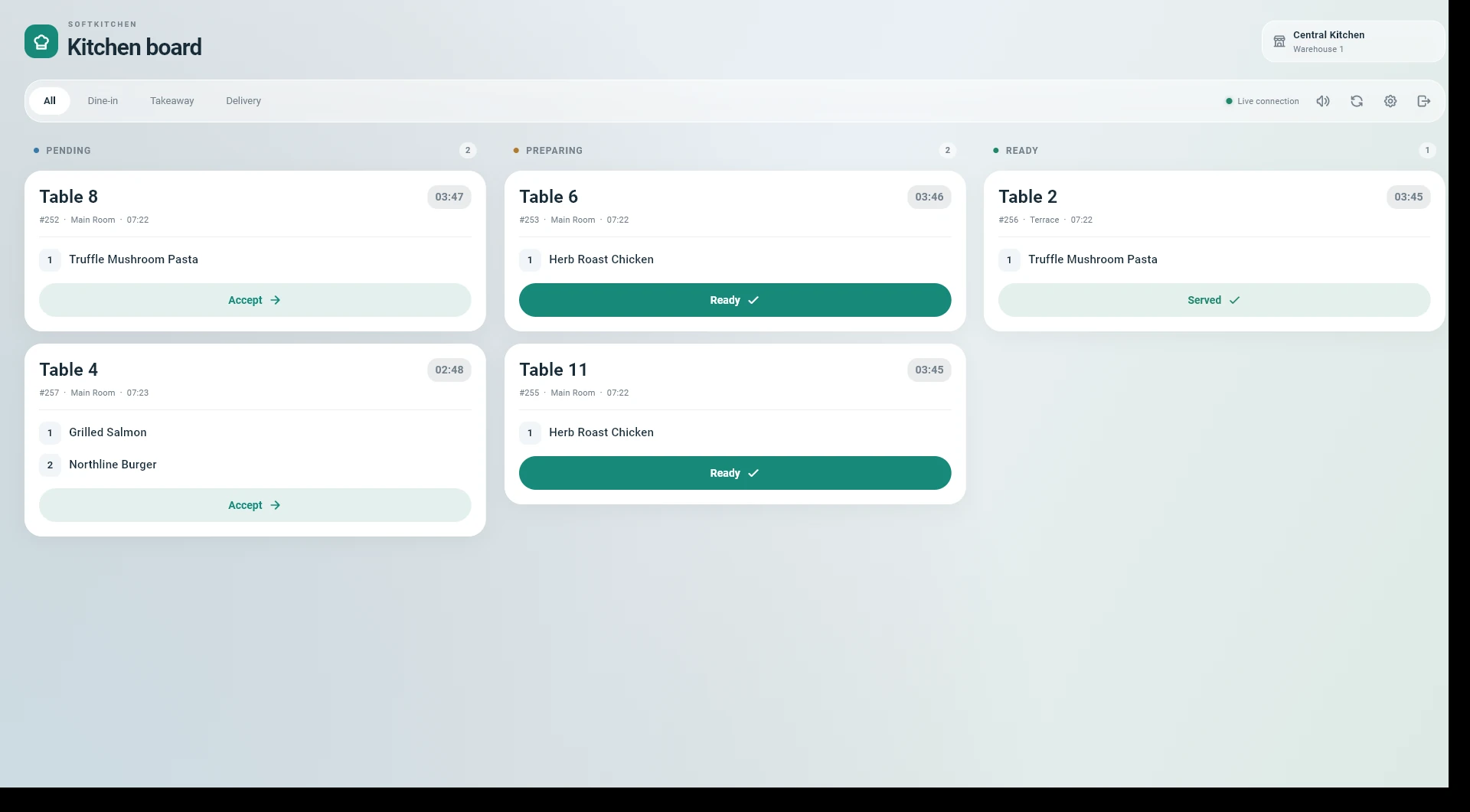
Has the kitchen received the order?
What did this service sell?
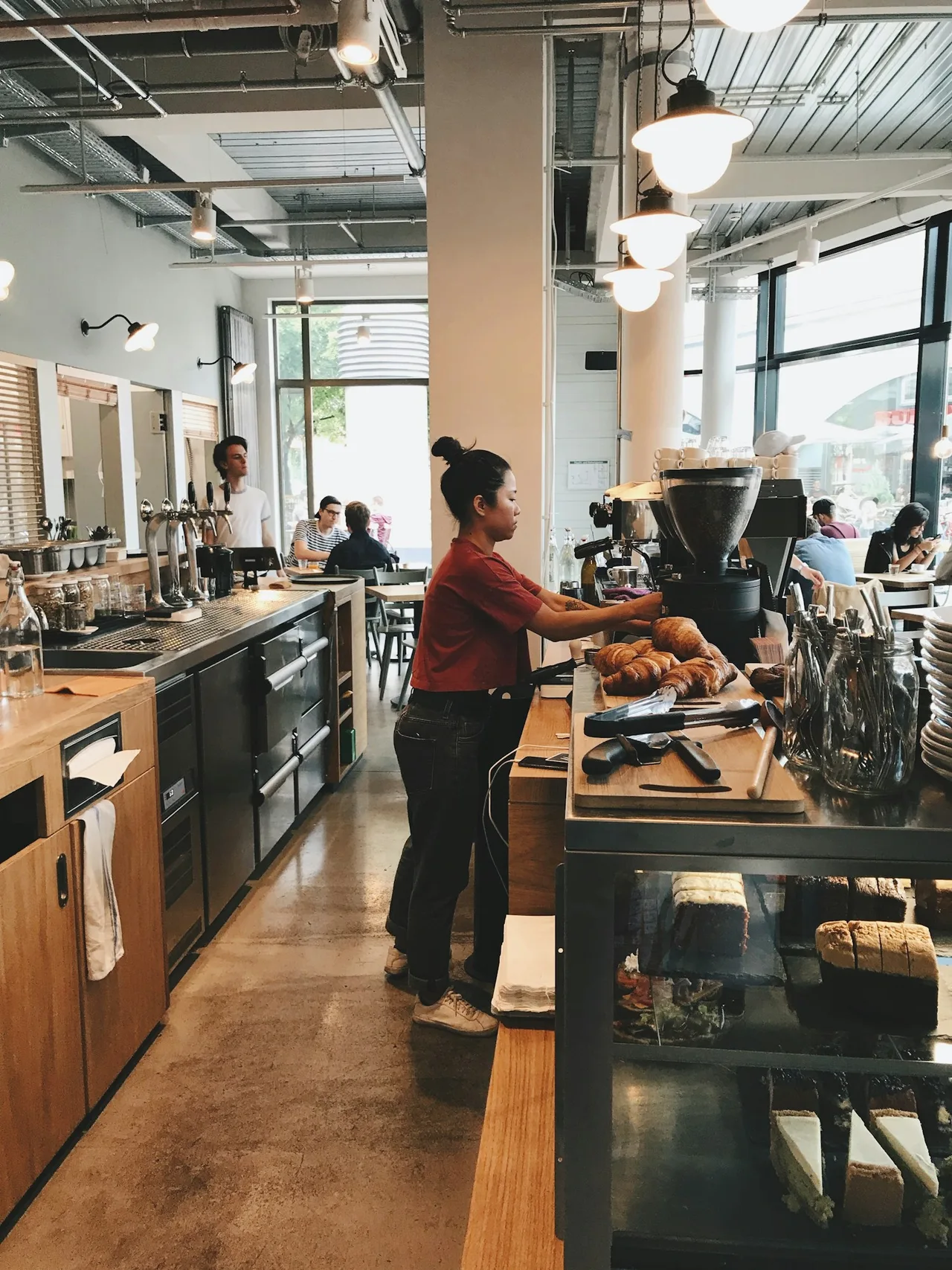
YOUR WORKING DAY
Take table orders, send items to the kitchen and split the bill at payment. Keep the service connected to stock movements and register reports.
SoftPOS · Table plan
SoftPOS · Kitchen orders
Add products and services, assign the customer and record the sale and payment.
Distribute a table’s items across separate bills without re-entering the order.
Send ordered items to the kitchen queue and follow preparation on SoftKitchen.
Organize ingredients and material requirements in versioned recipes.
Track product quantities by lot and warehouse, with expiry dates and movement history.
Open the register, review its movements and close it with a recorded count.
FOR THE OWNER
Take orders, keep carts on hold, split restaurant bills, process refunds and close the register. The sale remains connected to its customer and payment records.
FOR THE TEAM
Your team completes the transaction without rebuilding it in another tool.
BEFORE YOU START
Distribute a table’s items across separate bills without re-entering the order.
Send ordered items to the kitchen queue and follow preparation on SoftKitchen.
Control access to operations through user permissions.
Start with the company registration form. Enter your business details, verify your email and select the business profile and modules for your operation.
The pricing page shows the modules Softphia recommends for each business profile and the add-ons you can choose. After registration, your workspace shows the included modules and usage limits.
THE RIGHT SCOPE
See the setup Softphia recommends for your business profile, what it costs and the add-ons you can choose.
Recommended
Table service with kitchen and recipes.
Launch Partner: 20% off for the first 12 months.
Try it free for 15 days. No card required.
Get started ↗ Discuss this setup →Available add-ons: Kitchen display · Tip management · Inventory · Recipes · Team management · Reports & analytics · Bank reconciliation
See the recommended setup and what's included →Create your workspace. Choose your business profile, set up your branch and bring your team into Softphia.