
Orders & checkout
Add products and services, assign the customer and record the sale and payment.
Appliance repair & technical service
Register each appliance or machine by its serial number, complete the intake checklist and carry out the work at the customer’s address when needed. Plan recurring maintenance and take payment at the till.
THE QUESTIONS THAT MATTER
Which appliance is this, by serial number?
Is the repair in the workshop or at the customer’s address?
Which maintenance visits are due?
YOUR WORKING DAY
A work order can be carried out at the counter or on site. Record the visit address on the order, read the operating hours on machines that have a meter and set up maintenance plans that remind the customer automatically.
Add products and services, assign the customer and record the sale and payment.
Keep a cart on hold and restore it when the customer is ready.
Process refunds against the original sale and its payment records.
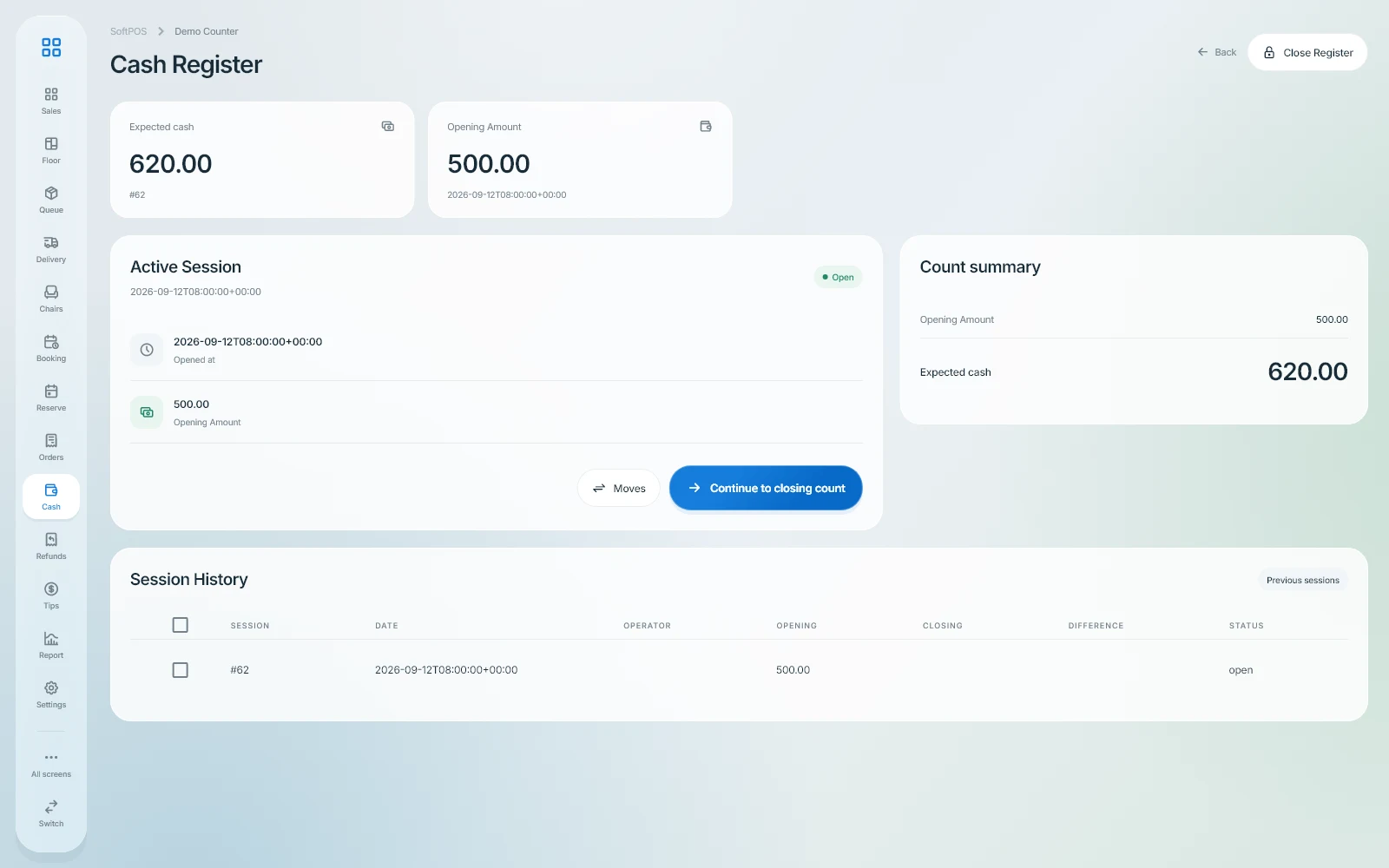
Open the register, review its movements and close it with a recorded count.
Record operating income and expenses in the cash ledger.
Organize operating locations and their warehouse records.
FOR THE OWNER
Vehicles, devices and machines are registered once with their identity and meter readings. Recurring maintenance plans remind customers automatically, and work orders are settled at the till.
FOR THE TEAM
At intake the team finds the registered vehicle or device, records the meter reading and completes the checklist before the work starts.
BEFORE YOU START
Yes. The plan then repeats by months; plans by operating hours need an asset with a meter.
Choose on-site work and enter the visit address on the work order.
Control access to operations through user permissions.
Start with the company registration form. Enter your business details, verify your email and select the business profile and modules for your operation.
The pricing page shows the modules Softphia recommends for each business profile and the add-ons you can choose. After registration, your workspace shows the included modules and usage limits.
THE RIGHT SCOPE
See the setup Softphia recommends for your business profile, what it costs and the add-ons you can choose.
Recommended
Service jobs and parts for appliances, electronics and computers.
Launch Partner: 20% off for the first 12 months.
Try it free for 15 days. No card required.
Get started ↗ Discuss this setup →Available add-ons: Team management · Reports & analytics · Bank reconciliation
See the recommended setup and what's included →Create your workspace. Choose your business profile, set up your branch and bring your team into Softphia.