
Orders & checkout
Add products and services, assign the customer and record the sale and payment.
Florist & flower shop
Record bouquets and shop products in the customer’s cart. Hold the order until checkout and follow stock quantities and payments through the working day.
THE QUESTIONS THAT MATTER

What is available for today's bouquets?
Which order has a collection time?
Which plants are selling?
YOUR WORKING DAY
Record bouquets and shop products in the customer’s cart. Hold the order until checkout and follow stock quantities and payments through the working day.
Add products and services, assign the customer and record the sale and payment.
Process refunds against the original sale and its payment records.
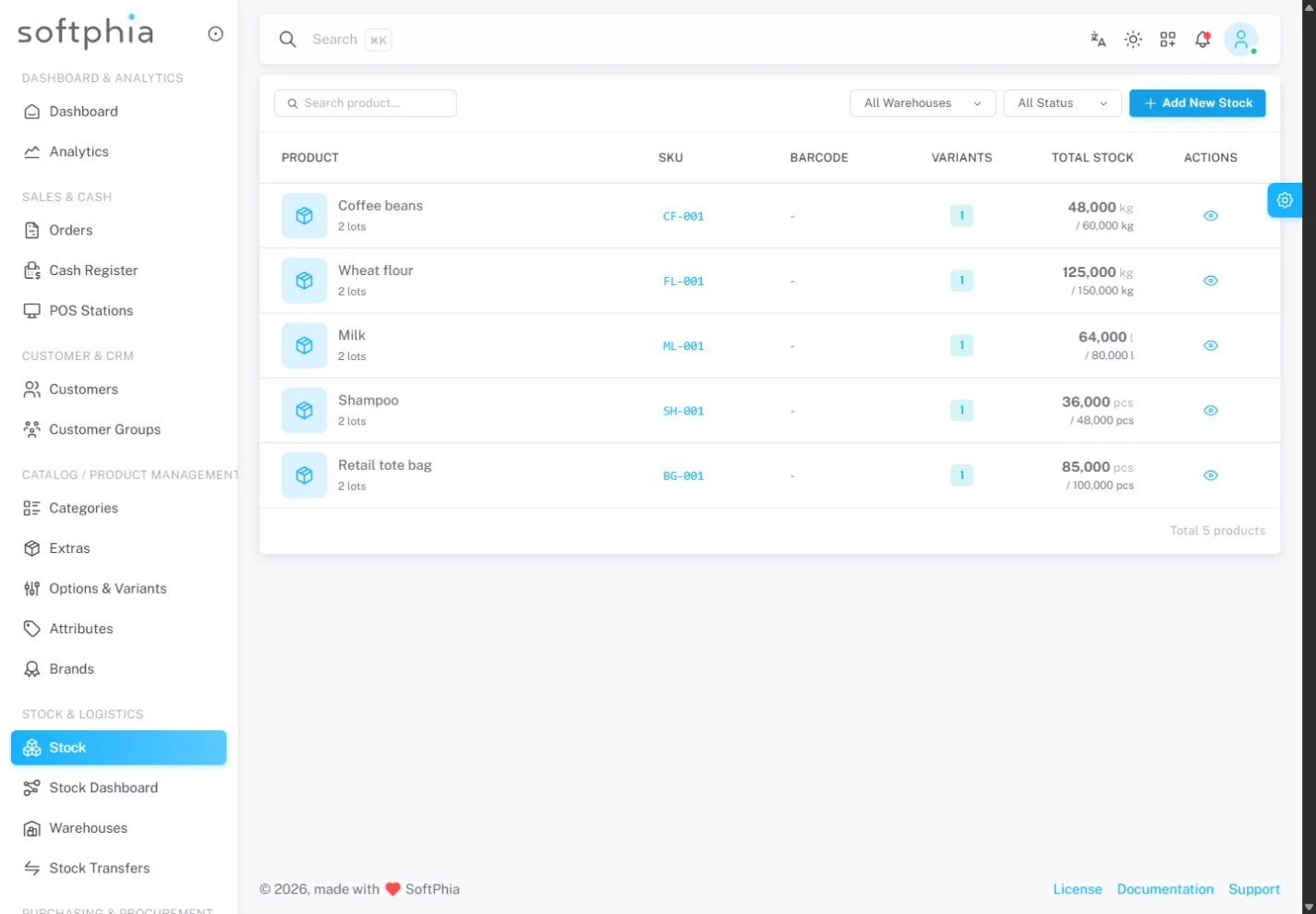
Track product quantities by lot and warehouse, with expiry dates and movement history.
Move stock between warehouses and record the quantities accepted at the destination.
Open the register, review its movements and close it with a recorded count.
Review cash flow, sales collections and supplier payments in financial reports.
FOR THE OWNER
Work with lots, expiry dates and warehouse movements. Send stock between locations and record receiving approvals. Keep supplier invoices and their payments visible.
FOR THE TEAM
Stock decisions start with quantities and movements, not a separate spreadsheet.
BEFORE YOU START
Keep a cart on hold and restore it when the customer is ready.
Add products and services, assign the customer and record the sale and payment.
Control access to operations through user permissions.
Start with the company registration form. Enter your business details, verify your email and select the business profile and modules for your operation.
The pricing page shows the modules Softphia recommends for each business profile and the add-ons you can choose. After registration, your workspace shows the included modules and usage limits.
THE RIGHT SCOPE
See the setup Softphia recommends for your business profile, what it costs and the add-ons you can choose.
Recommended
Fashion and gift retail with stock.
Launch Partner: 20% off for the first 12 months.
Try it free for 15 days. No card required.
Get started ↗ Discuss this setup →Available add-ons: Inventory · Team management · Reports & analytics · Bank reconciliation
See the recommended setup and what's included →Create your workspace. Choose your business profile, set up your branch and bring your team into Softphia.